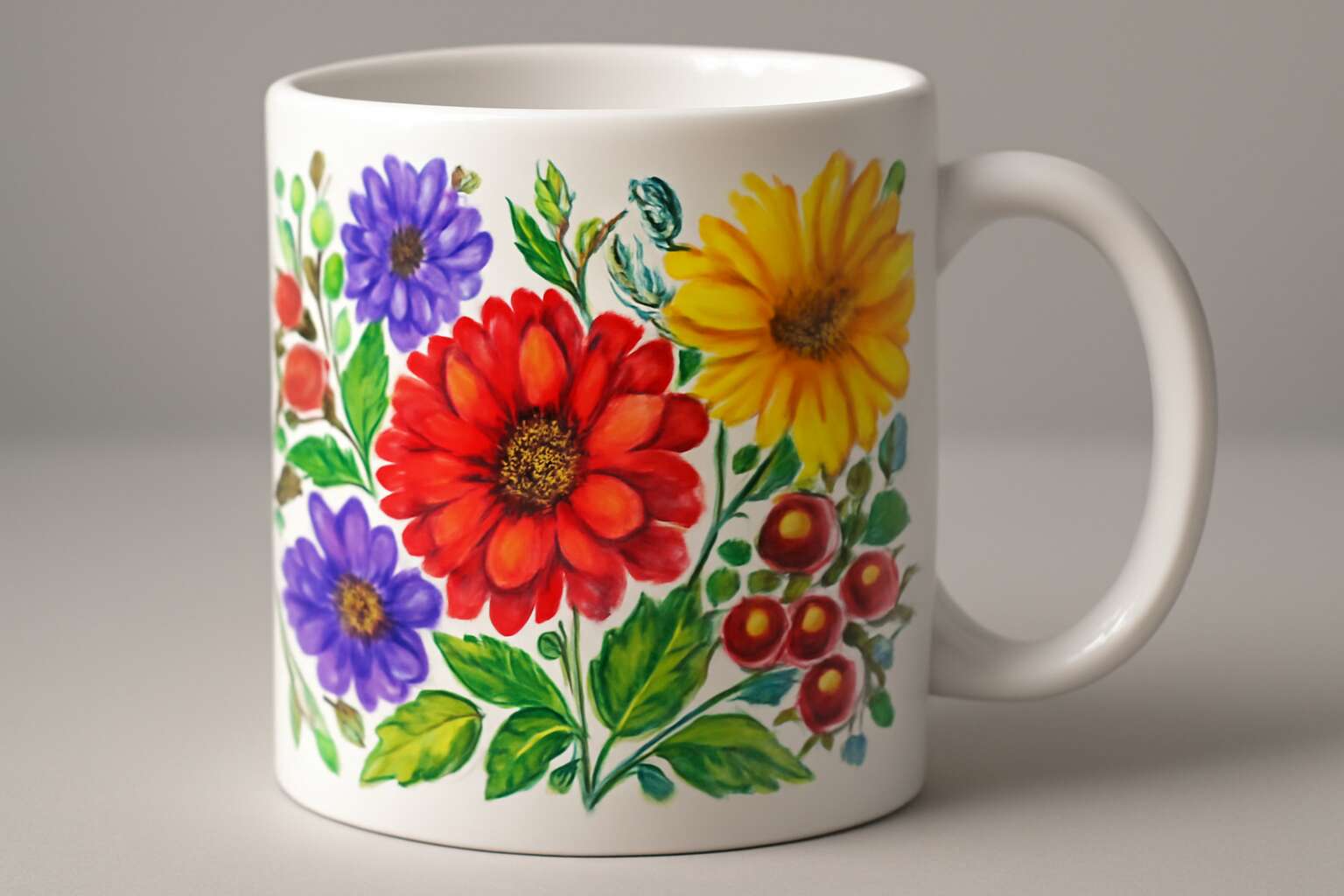
Mug printing resolution toolkit
Resolution fundamentals for mugs
Across South Africa, a striking 68% of custom mugs are judged in an instant by print clarity. That first impression hinges on mug printing resolution. In a small studio near the Karoo, I watch colors warm as the mug cools, and I know sharp detail carries memory.
Resolution fundamentals mean respecting the curve, the glaze, and the hand you’re communicating with. To keep designs honest on curved ceramic, the toolkit leans on a few anchor rules:
- DPI targets: 300 DPI at print size for crisp, wrap-around images
- Color profiles: choose CMYK tuned to your printer to avoid muddy tones
- Safe area: keep key elements inside margins to prevent rim cropping
This toolkit centers mug printing resolution as a living standard, guiding artwork from sketch to final sip. When the design lands with warmth and clarity, the story travels from a workshop bench to a mug handle, carrying memory with it.
Image preparation and file specifications
This mug printing resolution toolkit tightens image prep from sketch to production. Design for the wrap so every pixel holds its place around the curve and under the glaze. When the final file lands, it travels from the screen to the mug with clarity that meets expectation.
Begin with wrap-area dimensions and build at that size. Export the file at final dimensions with minimal compression; use high-resolution sources and lay out elements to stay legible when the mug is curved.
- File formats: TIFF or PNG for raster art; flatten for production to avoid misinterpretation.
- Color handling: work in a printer-friendly CMYK or ensure CMYK conversion before sending to print.
- Safe area and bleed: keep key elements inside margins to prevent rim cropping; allow margin clearance for the wrap.
These steps keep images crisp from concept to cup, preserving memory and meaning with every hand you pass—mug printing resolution in practice.
Printer technologies and their resolution considerations
Bold mugs don’t just carry art—they carry fidelity. The right printer technology can transform a sketch into a crisp, glaze-ready image that reads from across a break room. “Sharp edges hold the truth of your design,” a veteran operator often says, and the sentiment isn’t mere superstition. This section dives into how printer technologies govern resolution, ensuring your idea survives the curve and glaze without fading into memory.
Consider these common technologies and their resolution implications:
- Thermal dye-sublimation: high pixel retention on curved surfaces, smooth gradients.
- Ceramic decal printing: sharp edge transfer with predictable glaze interaction.
- Inkjet with glaze-compatible inks: detailed color depth when paired with proper dithering.
This is how mug printing resolution travels from sketch to cup.
Quality control and optimization workflows
In the glare of a bustling SA print shop, the quiet leverage behind every bold mug lies in a toolkit that sharpens mug printing resolution. Curved surfaces and glaze layers are merciless critics, yet precision can turn sketches into drinkware that reads from across a break room!
Quality-control and optimization workflows bind color science with practical reality. They translate digital intent into tangible proof, balancing DPI, color space, and substrate quirks to preserve fidelity through firing and handling. The right routine catches drift before it becomes visible on a cup.
- Color fidelity across glaze layers and curved geometries
- Edge and detail preservation on radius and handle junctions
- Batch consistency and cross-substrate repeatability
- Non-destructive evaluation metrics that flag sublimation or glaze interactions early
Such a toolkit keeps the focus on design intentions rather than process quirks, fostering confidence in SA studios and shoppers who judge by how a cup feels in the hand.




0 Comments